
4 Video Conferencing Tools To Host A Successful Team Meetings
With expos and in-person meeting being cancelled due to health warnings for COVID-19, it becomes very challenging for businesses to take a call on what’s best in these situations, as meetings need to be held for businesses to keep going.
Given the potential risks to the elderly, young and those with weakened immune systems, what is the right thing to do?
For companies looking to keep their staff safe & productive without having to travel, holding virtual meetings, videoconferencing & screen sharing are the best solutions.
Video conferencing tools have been around for quite some time but recently, there has been a huge surge in these tools. Along with video conferencing capabilities, these tools also facilitate online collaboration through file transferring, chatting, teleconferencing services (VoIP), and more.
But depending on your team you can choose the best video conferencing apps and tools that will suit your company’s requirements and budget. Here are the 4 video conferencing tools that can make your team meetings a success:
1. Google Hangouts
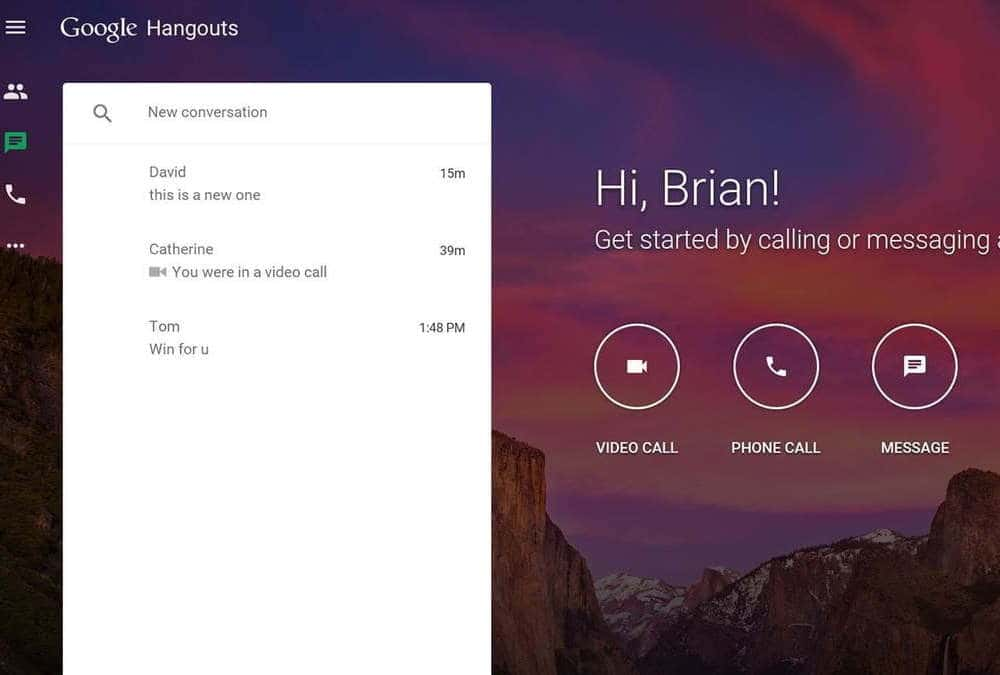
Google Hangouts is a powerful online collaboration tool for small to medium-sized businesses. It incorporates various forms of communication and as part of the Google account, it automatically syncs with your Google calendar. You can easily send text, live video and video chat with this tool.
It’s been in the market as part of the Google ecosystem for 5 years now and can accommodate up to 25 users for free. It is definitely one of the most commonly used free video conferencing tools by startups and small teams for quick meetings and team huddles.
2. Join.me

Join.me is also a seamless video conferencing tool for internal and external collaboration. It has a full suite of features for online conferencing, so you can easily toggle between audio, video and screen-share.
The free version of Join.me allows you to hold an unlimited number of meetings but has a limit of up to 10 participants per meeting including one organizer. The free version comes with only five video streams per meeting. But you can easily chat with participants, transfer files, join the audio part of any meeting via voice over IP, and allow participants to control your computer. The free version is a great tool for small teams to collaborate internally or have quick client calls.
3. Skype
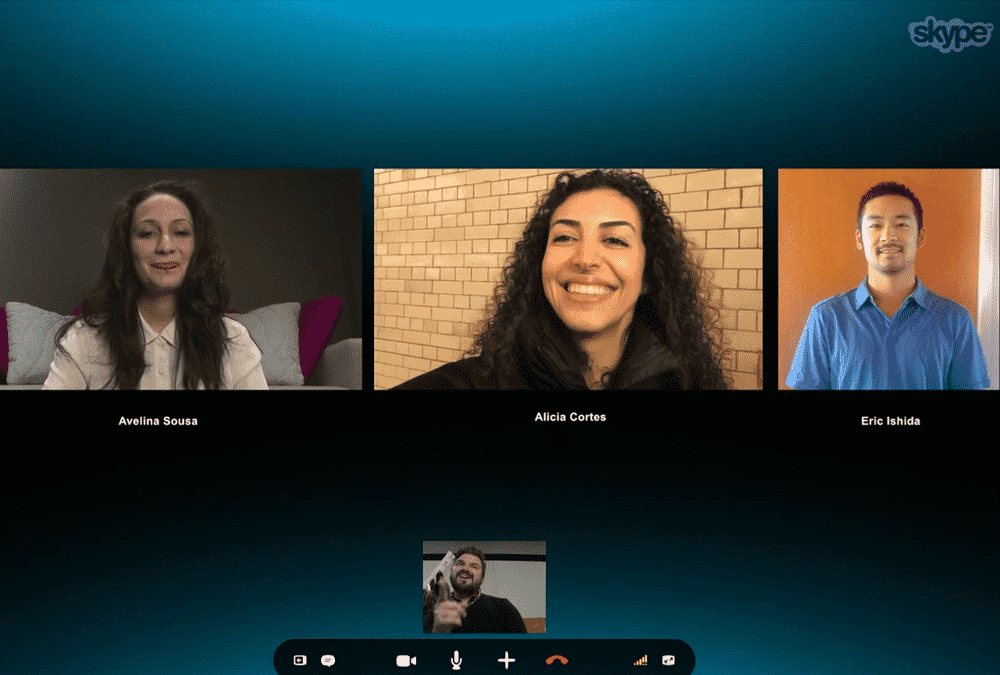
Probably one of the oldest video conferencing tools in the market, this video chat tool by Microsoft has been on the market for over 13 years. It is also still a very popular collaboration and video conferencing tool and has gone through various technology updates over the years.
Group video calls can be easily made by downloading Skype 5.0 or higher as it not an online tool. But having made available for all the major operating systems and platforms, Skype is still the most reliable option for personal as well as professional use.
4. Zoom
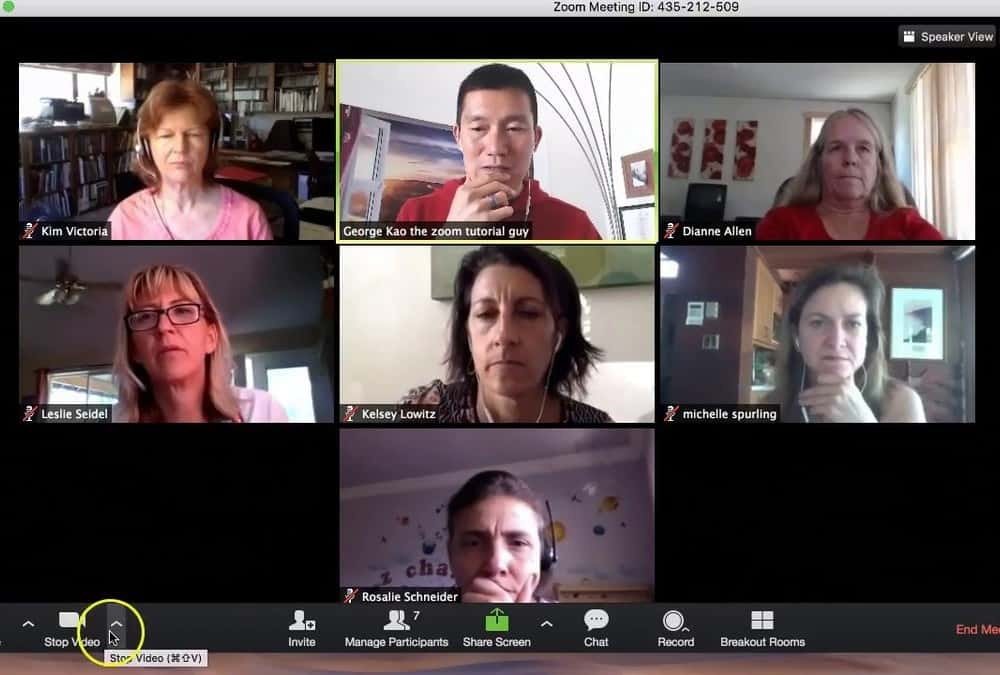
Zoom is also a versatile and efficient video-conferencing software that offers free and paid plans. The free account with Zoom has some great features, including conferences that allow up to 50 participants, unlimited one-on-one conferences, video and audio conferencing, and even group collaboration features such as whiteboarding and screen sharing. The one problem all Zoom users face is that all conferences with multiple participants are limited to a 40-minute window. The free version also offers security, user management, and online support which makes it a multifaceted solution.
There are many video conferencing solutions you can find in the market. But these 4 video conferencing solutions are affordable, reliable and will work for all organizations depending on your requirement.
Introducing Zoapi
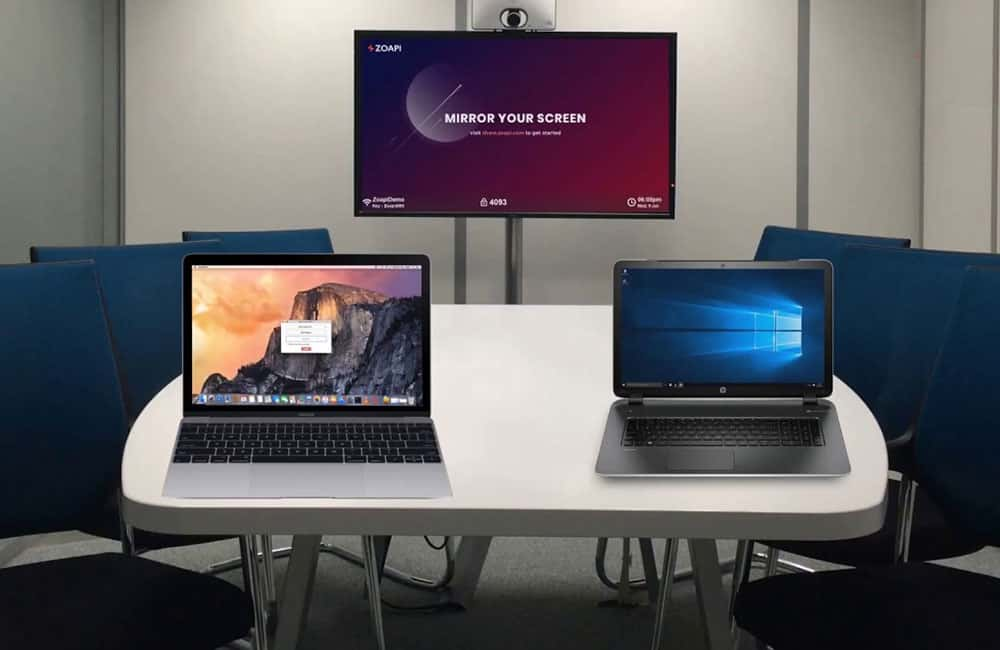
Zoapi is a meeting room solution that completes all your online collaboration tools by hosting all your favourite video conferencing and screen sharing applications under one roof and lets you connect to them within 30 seconds. It is a meeting room essential that helps multiple users connect and collaborate simultaneously through a wireless connection.
If you’re looking for a solution that can fit large teams and clients in one room, you can go for the Zoapi Hub which facilitates multiple attendees simultaneously, has all popular video conferencing apps and accommodates 16+ screen sharing participants simultaneously.
Still confused about a suitable video conferencing tool for your organization? Check out these features - Zoapi Video Conferencing Solution

