How to Reset Service Engine Soon Light on a Saturn SL2
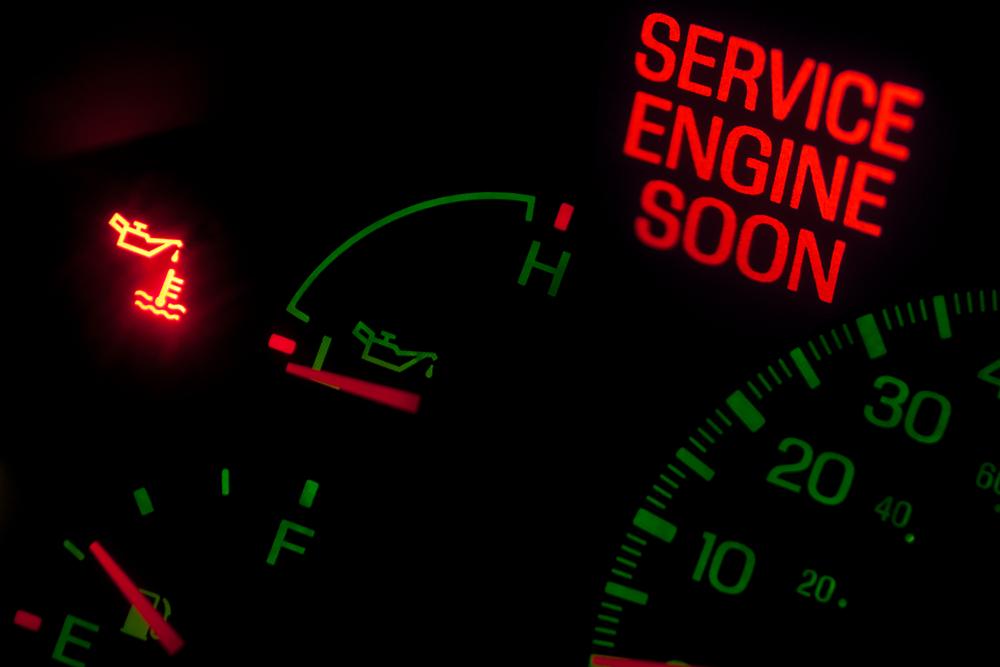
The service engine soon light alerts the driver to a problem with the car. Once the code is read and the problem is fixed, the light may remain on. The car's computer will need to be reset to clear the code.
Once the service engine light comes on, you can use a code reader to find and fix the problem. Once the problem is fixed, the light may not go off by itself. You will need to manually reset the computer so the computer will recognize that the problem has been fixed.
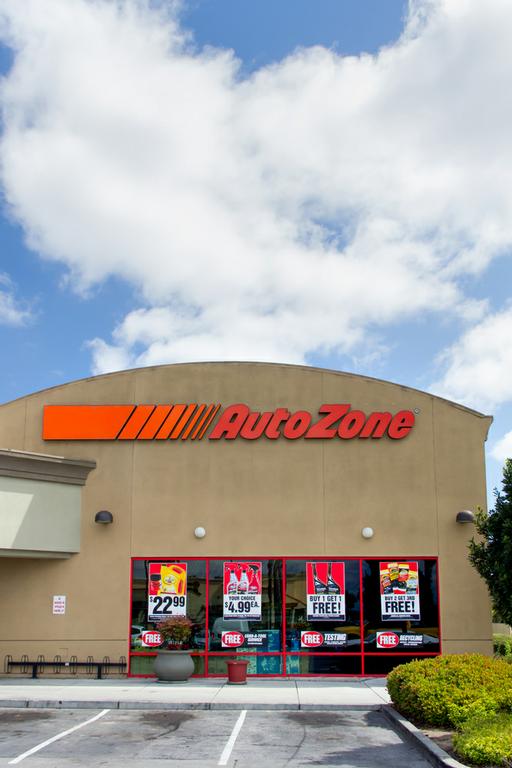
- Take your car to an auto parts store such as AutoZone. Employees are able to read codes, and they can reset the computer with a machine. Call ahead to make sure this is a free service and they are able to reset the computer on your year and model.
- A mechanic can also clear the code from the computer, but a mechanic may charge for this service. Call to make sure they have the ability to do this and what fee, if any, they charge.
- To reset the service engine soon light yourself, you will need to drain all the energy from the car.
- Open the hood and locate the battery on the driver's side of the car. Loosen the nut to remove the negative battery terminal. The negative battery terminal will be marked with a minus sign and is usually black.
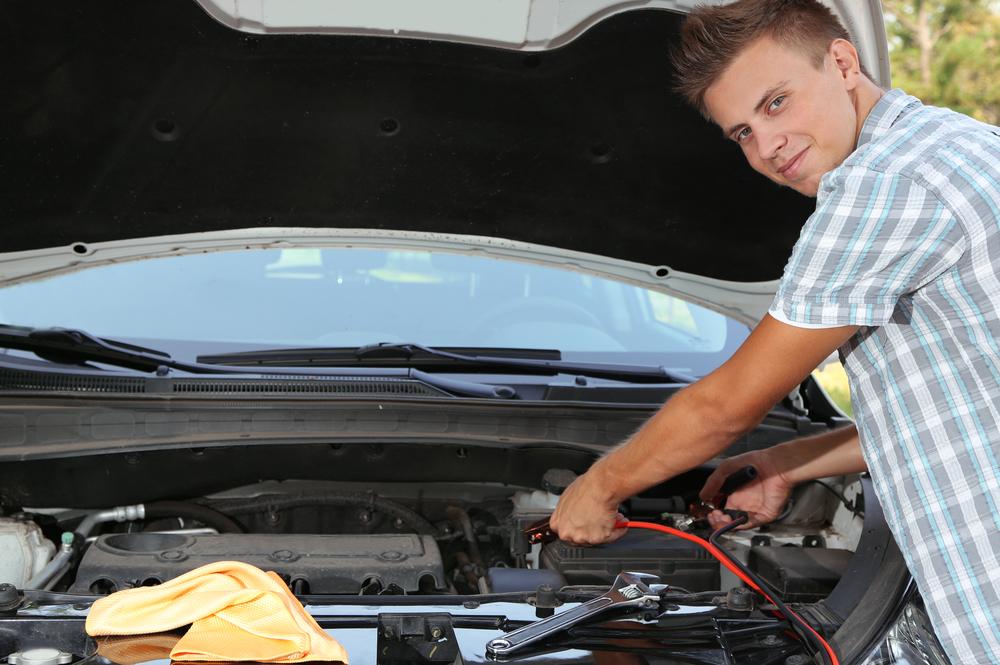
- The car will retain some energy for the computer, so turn on the radio and headlights to drain all energy from the car. Let the car sit for at least five minutes.
- Reattach the battery terminal cable and tighten the nut.