Prefer to talk to a pro?
Call today, and let us connect you with the perfect merchant!
Call today, and let us connect you with the perfect merchant!
About Dillsboro, IN
Dillsboro is part of Clay Township which is located in Dearborn County, Indiana. Founded in 1830, the city was named after James Dill who was a general in the war of 1812. There are numerous buildings in the city that are considered to be historical landmarks including Hopewell Presbyterian Church which was built in 1888 and the Nike Missile Silo which is the only privately owned and inhabited one in the state. Also located in the city is the Dillsboro Community Park which is home to many of the towns events. Students here attend the South Dearborn Community School District which includes the Dillsboro Elementary. Businesses located in the city include D&B Equipment Sales, Poole Group Inc, Ward Construction, O'Ryan's Restaurant, and DeVille's Dillsboro Drug Store.
Best Businesses in Dillsboro, IN

Prefer to talk to a pro?
Call today, and let us connect you with the perfect merchant!
Call today, and let us connect you with the perfect merchant!
Related articles

How to Fix Squeaky Floors: Easy DIY Solutions That Actually Work

Landscaping Gravel Types: Pros and Cons
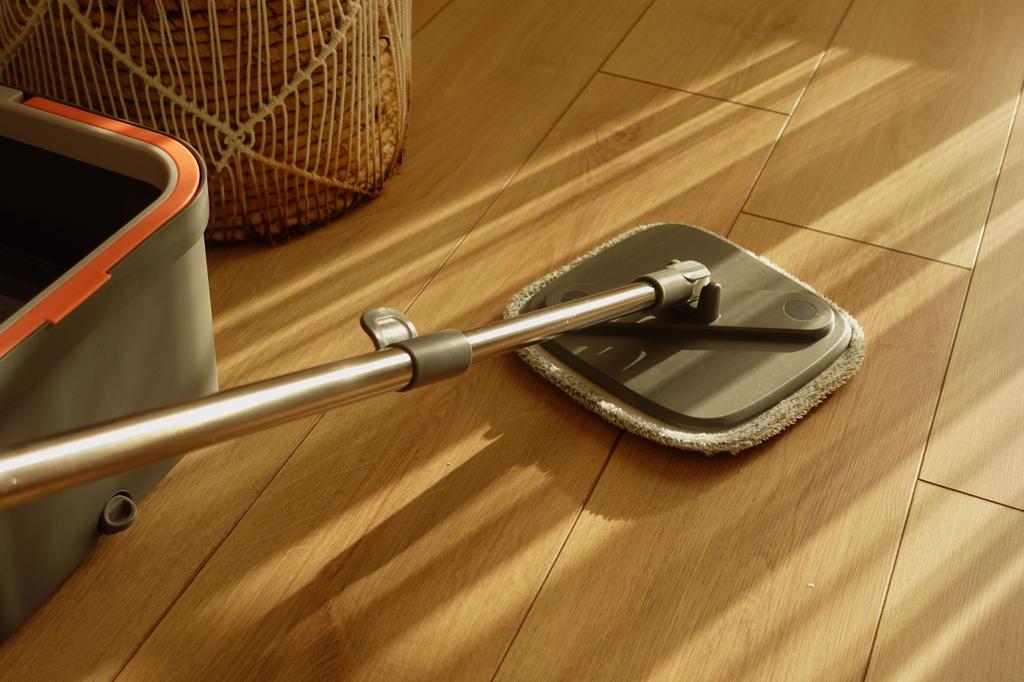
How to Clean Hardwood Floors: Simple Steps for Long-Lasting Shine
Updates & tips
The Ultimate Guide to Google My Business (2019)
As an entrepreneur, you are always looking to grow your business online presence, and having a Google My Business page is vital. Well, if you didn’t agree, you probably wouldn’t be here. This guide has been prepared to help you build a Google My Business page, and condition it to create a solid online presence for your business, and subsequently increase your leads and sales opportunities. By the end of this guide, you’ll be able to set-up a Google My Business page, claim and verify your listings, optimize your page to generate reviews, manage your dashboard, and use insights to gauge the quality of your online presence. What is Google My Business? Google My Business (GMB) is a free and simplified dashboard that helps business owners manage and update business listings across the Google Ecosystem. It is a program that was developed by Google for over ten years before its inception in the year 2014. With several upgrades and tweaks, Google built this CRM feature to help businesses build an online presence that will help users conducting searches to receive not only the basic NAP (name, address, phone number) details, but other kinds of information such as business hours, and specifications as to the availability of facilities such as parking and so on. This is not only an attempt on Google’s side to better its user experience, but it is also focused on helping business owners reach their target audience on online searches. So, here’s what you can do with Google My Business The most important benefit your business can achieve with Google My Business is creating a strong online presence. Aside from creating listings to increase your chances of appearing on searches, GMB also offers data-driven insights about your online presence with added access to Google Adwords and Google Analytics. Google My Business comes with a review feature that allows your customers to leave you reviews and therefore increases your chances of build better relationships with your customers. The centralized dashboard is an easy, user-friendly tool that allows you to manage your business information across several Google based platforms. What kind of business information can you add? Business name, address and phone number (NAP) Website Working Hours Business Category Accessibility Google My Business Guidelines There are some criteria that you need to look out for before you decide to get onboard Google My Business: Make sure that your business has a physical location Make sure that you are entering consistent and accurate business information In addition to this, Google has specifications about the eligibility of businesses to create a page on Google My Business. If your routine business tasks involve interacting with your customers in person during business hours, you are eligible. Although they do make an exception for ATMs, video-rentals and express mailboxes. In case you are adding these exceptions to the rule on Google My Business, it is crucial that you add your contact information in the listing to help your customers contact you. And here’s what makes your businesses ineligible to have a Google My Business listing: Business locations that are under-construction Rental or for-sale properties An ongoing service, class, or meeting at a location that you don’t own or have the authority to represent Ideally, Google has tailored GMB for business owners to ensure the pages are authentic. But they have specifications for authorized representatives like agencies or freelance agents when it comes to creating a business page. Once you’re done creating the account, you can use this Google My Business Guidelines Checker to check your account for any inconsistencies you might face. Checking For Duplicates Make sure that you run a search on your business contact information to find duplicates. A simple Google search should do for you to find duplicates. If you haven’t found any inconsistencies, you can carry on creating your page. In case you have found duplicates, or if it looks like someone has already created a page that you haven’t, hang in there. You need to continue to a point in the sign-up process that will give you an option to fix this issue. This will be covered in the course of this guide. Let’s get started! 1. Creating Your Google My Business Page Start by signing into your Google Account by clicking on this link and hit “Start Now.” Add the required business information in the categories that appears in the prompt window. This is very easy! Here’s what you need to fill out. Make sure you zoom into the map, and check the location that is marked. Once you’re done, click on “Continue.”Do not add any additional information to your business name, like your city or location. Mike Blumenthal, a top Google My Business contributor, says that this is risky business. But as a rule of thumb, do not add unnecessary information in the business name category. 2. Verifying Your Google My Business Page Now, you’ll be prompted to verify ownership for your business through postal mail, email, a phone call or text message. Some of these verification methods are not made available for all types of businesses. Verification by postcard is a little more complicated as compared to the other options which are quite straightforward. So, here’s what you need to know about verification by postcard. Post Card Verification Once you opt for the post card verification, make sure that your business details are accurate. You can have additional contact information just in case you aren’t available when the postcard is delivered. It takes around 12 days for the postcard to arrive and it is vital that you don’t alter any information in your address during this period. Here’s what you need to do when you receive the verification code: Sign-in to Google My Business Go to the ”Manage Location” option Click on the “enter code” button on the blue banner Enter the 5-digit verification code and hit submit In case you haven’t received your postcard, or if you have lost it, you can request for a new verification code by following the same process mentioned above. If your business’ website is verified with Google Search Console, you listing can be verified instantly. READ THE FULL POST HERE