Prefer to talk to a pro?
Call today, and let us connect you with the perfect merchant!
Call today, and let us connect you with the perfect merchant!
About Somerville, NJ
Somerville is a city in, as well as the county seat of, Somerset County, New Jersey. The city is home to many diverse restaurants. specialty shops and boutiques. And many of the city's old factories have been turned into office buildings or remodeled into apartment buildings. Students living in the city attend the Somerville Public Schools/. Immaculata High School and the Immaculate Conception School are both also located in Somerville. Major attractions here include Duke Gardens, the Wallace House, Old Dutch Parsonage and the Robert Mansion. Famous people with ties to the city include actor Paul Robeson and NBA star Eric Murdock.
Best Businesses in Somerville, NJ





Prefer to talk to a pro?
Call today, and let us connect you with the perfect merchant!
Call today, and let us connect you with the perfect merchant!
Related articles
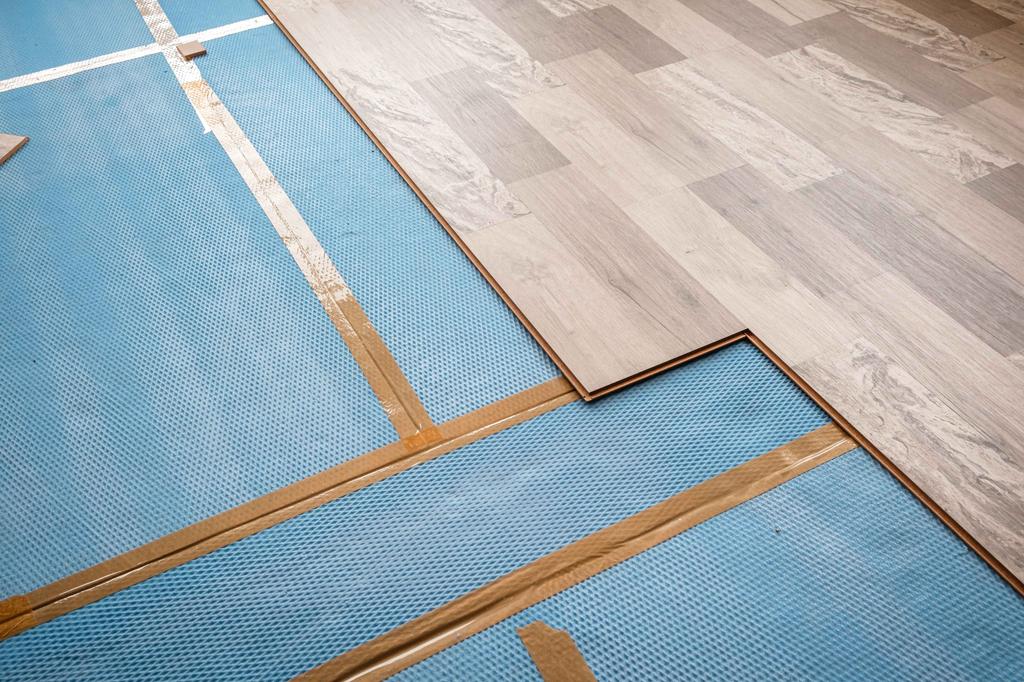
How to Fix Squeaky Floors: Easy DIY Solutions That Actually Work

Landscaping Gravel Types: Pros and Cons
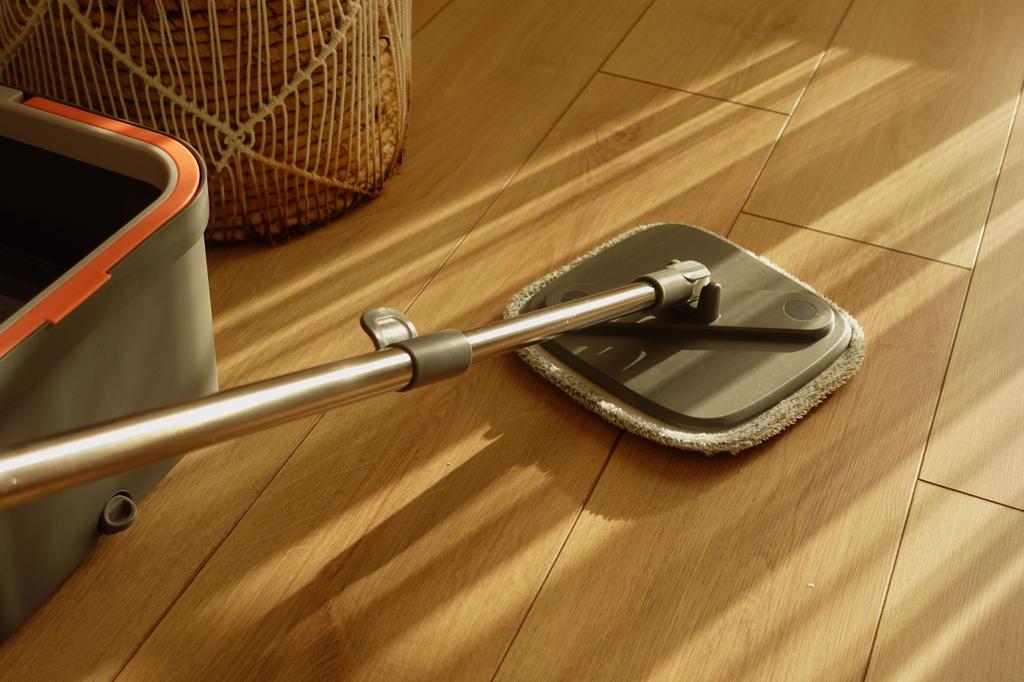
How to Clean Hardwood Floors: Simple Steps for Long-Lasting Shine
Updates & tips
Online Medical Consultation: Fast, Reliable, and Affordable Healthcare
In today’s fast-paced world, access to quality healthcare should be as simple as a click. Thanks to telemedicine, patients no longer need to wait in long queues or travel for hours to see a doctor.Online medical consultationis bridging the gap between patients and healthcare providers, offering fast, reliable, and affordable healthcare right at home. AtOur Expert Doc, we are committed to making expert healthcare accessible to everyone, anytime, anywhere. What is Online Medical Consultation? Online medical consultation allows patients to connect with licensed doctors through secure video calls, chat, or phone calls. Whether you need treatment for common illnesses, chronic conditions, or a second opinion from a specialist, telemedicine ensures that medical help is just a click away. Key Benefits of Online Medical Consultation1. Fast Access to Doctors No more waiting days for an appointment. Patients canconsult doctors online instantlyand receive medical advice without delays. 2. Reliable and Expert Care AtOur Expert Doc, consultations are provided byboard-certified physicianswith years of experience. You can trust the diagnosis, treatment plans, and professional advice. 3. Affordable Healthcare at Home Traditional hospital visits often involve travel, waiting times, and higher consultation costs. Online consultations reduce these expenses, making healthcare morebudget-friendly. 4. Convenience and Comfort From the comfort of your home, you can consult with a doctor without compromising your daily routine. This is especially helpful for elderly patients, busy professionals, and parents with young children. 5. Safe and Secure Consultations Our platform followsHIPAA-compliant practices, ensuring patient privacy and secure medical records. Conditions You Can Treat Online Common cold, flu, fever Skin issues (rashes, allergies, acne) Mental health consultations (stress, anxiety, depression) Chronic disease management (diabetes, hypertension, asthma) Prescription refills and medical advice Why Choose Our Expert Doc? 24/7 Availability: Access doctors anytime you need. Wide Range of Specialists: General physicians, dermatologists, psychiatrists, pediatricians, and more. Global Reach: Whether you’re in the U.S., Middle East, or South Asia, you can consult our doctors online. Simple Booking: Easy appointment scheduling throughwww.ourexpertdoc.com. How to Book an Online Consultation? VisitOur Expert Doc Choose your doctor or specialty Book your slot online Connect with your doctor via secure video call Final Thoughts Online medical consultationis revolutionizing healthcare by providing fast, reliable, and affordable treatment from the comfort of home. With platforms likeOur Expert Doc, patients can receive world-class medical care without stepping outside. 👉 Ready to consult a doctor? VisitOur Expert Doctoday and take charge of your health.
Free POS Software: Top Solutions for Retail, Restaurants, and Salons
In today’s competitive business landscape, having an efficient Point of Sale (POS) system is essential for managing sales, inventory, and customer relationships. If you’re looking for a powerful POS solution without the financial burden, free POS software is a great option. This guide will exploremyPOS, a leading choice for businesses in retail, restaurants, and salons, and show you how it can streamline your operations and boost your success. What is a POS System?Definition and Components A Point of Sale (POS) system is a tool used to complete sales transactions. It typically includes both hardware and software components: Hardware:Cash register, barcode scanner, receipt printer, and card reader. Software:Application that processes sales, manages inventory, and generates reports. Types of POS Systems POS systems come in various forms depending on your business needs: Traditional Countertop Systems:Fixed setups at checkout counters. Mobile POS Systems:Tablets or smartphones for sales on the go. Online POS Systems:Cloud-based solutions accessible from any device with internet. Benefits of Using a POS SystemStreamlined Operations A POS system automates transactions and reduces manual errors. Think of it as your business's personal assistant, handling everything from processing payments to managing inventory efficiently. Improved Customer Experience A POS system can speed up the checkout process and ensure accurate pricing, making your customers’ shopping experience smoother and more enjoyable. It also enables features like loyalty programs to keep customers coming back. Enhanced Reporting and Analytics With a POS system, you get access to valuable data such as sales trends, inventory levels, and customer behavior insights. This information helps you make smarter business decisions and plan future strategies. Free POS Software: An OverviewWhat is Free POS Software? Free POS software offers essential features at no cost, making it an excellent choice for small businesses or startups. These systems provide the necessary tools for managing sales, inventory, and customers without a financial investment. Key Features to Look For When evaluating free POS software, consider the following features: Sales Processing:Efficient management of transactions and receipt generation. Inventory Management:Tracking stock levels, managing orders, and handling suppliers. Customer Management:Creating customer profiles, tracking purchase history, and managing loyalty programs. Reporting:Sales reports, inventory summaries, and financial insights. Why Choose myPOS for Your Business?Comprehensive Features myPOSstands out for its robust feature set designed for various business types. It includes: Sales Management:Efficiently process transactions and generate receipts. Inventory Management:Track stock levels, manage orders, and set reorder points. Customer Relationship Management:Create profiles, track purchase history, and set up loyalty programs. Reporting and Analytics:Access detailed sales reports, inventory summaries, and performance metrics. Industry-Specific Solutions myPOSoffers tailored solutions for different industries: Retail:Features for inventory management, sales tracking, and customer service. Restaurants:Tools for table management, order tracking, and kitchen communication. Salons:Functions for appointment scheduling, client management, and service tracking. myPOS for RetailInventory Management WithmyPOS, you can efficiently manage yourretail inventory. Track stock levels, receive alerts for low inventory, and handle supplier relationships. It’s like having a dedicated inventory manager who ensures you never run out of essential products. Customer Relationship Management Build and maintain customer relationships withmyPOS. Create detailed customer profiles, track their purchase history, and offer personalized loyalty rewards. It’s a great way to keep customers engaged and encourage repeat business. myPOS for RestaurantsTable Management myPOShelps manage restaurant tables effectively. Assign tables, track orders, and handle split bills with ease. It streamlines the dining experience for both customers and staff. Order Tracking Monitor kitchen orders in real-time withmyPOS. This feature ensures that orders are prepared and served promptly, helping you maintain high service standards in a busy restaurant environment. myPOS for SalonsAppointment Scheduling Managesalon appointments withmyPOS. Schedule bookings, send reminders to clients, and minimize no-shows. It’s a valuable tool for keeping your salon organized and running smoothly. Client Management UsemyPOSto store client information, track service history, and offer personalized experiences. This helps build a loyal client base and provides a foundation for excellent service. How to Download Free POS SoftwareStep-by-Step Guide for myPOS Visit the myPOS Website:Go to themyPOS website. Sign Up for a Free Account:Register to access the free POS software. Download the Software:Choose the appropriate version for your device and download it. Install the Software:Follow the provided instructions to complete the installation. Set Up Your Business:Enter your business details, configure settings, and start usingmyPOS. Installation and Setup Tips Ensure your device meets the software requirements, have a stable internet connection, and follow the setup guide for a smooth installation process. Convenience Store POS Software Free (myPOS)Specialized Features for Convenience Stores myPOSoffers features designed specifically for convenience stores, including quick checkout processes, efficient inventory management, and employee management tools. Case Study: Successful Implementation A convenience store owner implementedmyPOSto streamline operations and improve efficiency. The result was a more organized store, faster checkout times, and improved inventory management. User Experience and ReviewsTestimonials from Business Owners Many users praisemyPOSfor its user-friendly interface, comprehensive features, and excellent customer support. It’s a popular choice among small business owners for its functionality and value. Common Feedback While users appreciate the cost-effectiveness ofmyPOS, some mention a learning curve when first setting up the system. Overall, feedback is positive, with many recommending it for small businesses. Tips for Maximizing Your POS SystemRegular Updates and Maintenance Keep your POS software up-to-date to benefit from new features and security improvements. Regular maintenance ensures that your system runs smoothly. Staff Training and Support Invest in training for your staff to ensure they use the POS system effectively. Access reliable customer support for any issues that arise. Security ConsiderationsProtecting Customer Data Ensure that your POS system complies with data protection regulations and uses encryption to safeguard customer information. Ensuring Transaction Security Implement secure payment methods and monitor transactions for any suspicious activity to maintain a safe environment for your customers. Conclusion Free POS software likemyPOSprovides an excellent opportunity for small businesses to access powerful tools without significant costs. With its comprehensive features and industry-specific solutions,myPOScan help you streamline your operations, enhance customer experiences, and improve your business performance. GivemyPOSa try and see how it can benefit your business today! FAQs What is the best free POS software for small businesses? myPOSis one of the best free POS software options for small businesses, offering a range of features tailored to different industries. How do I choose the right POS system for my business? Consider your business size, industry-specific needs, and desired features. Look for software that offers the functionality you require and try a demo if available. Is free POS software secure? Yes, reputable free POS software likemyPOSimplements robust security measures to protect your data and ensure secure transactions. Can free POS software handle multiple locations? myPOSsupports multiple locations, allowing you to manage various stores or branches from a single account. How often should I update my POS software? Regular updates are important for security and functionality. Follow the software provider’s recommendations for updates and maintenance.
Best Quality Wood Laser Engraving Machines
Suppose you want to start a setup of an industry or business to sell laser engravers and cutters for wood. In that case, you will always try to look for a high-qualitywood laser engraving machineto cut your wood to sell the best high-quality that will grow your business. Selecting the best quality laser engraver for wood is so difficult. Do you know why most laser engravers leave burn marks and they also work slowly? Therefore, you should know little about starting this kind of business. But if you look at what kind of machines are best, selecting the best laser engraver for wood will be easy. There should be some quality required for laser engraver machines to work correctly and efficiently. This article will help you select the best wood laser engraver machines that produce proper, fast, high-quality wood cutting. What makes a laser engraver best for wood cutting? If you want to be the best company seller in your hometown, select the best high-quality engravers for cutting wood. Still, some prominent factors should be considered, including acceptable functionality characteristics that make it a proper and good quality engraving wood. Essential air assists quality: Your laser engraver for wood must have essential air assist quality. If you want a superior result, look for this quality in your engraving wood-cutting machine. It blows away the smoke and also protects the wooden objects from discoloration. The air assist emits a strong blast that clears the fumes produced during engraving. Additionally, it also transports dust and other debris. Work area and height: What you can and cannot engrave depends on the working area of the laser engraving equipment. The area should be 400 x 300mm for DIY projects and small companies. Depending on the quantity and size of numbers you plan to engrave at once, you should purchase a giant machine to run a large commercial operation. Laser height is an essential factor often overlooked by laser enthusiasts and beginners. You can fit more items if the height is excellent or can increase. Additionally, if the height is sufficient, you can place the rotating attachment under the laser machine for cylinder engraving. Great place with little waste: The laser spot for engraving should be as small as possible. The more details it can take into account during engraving, the smaller the space. The laser spot size should be less than 0.1 x 0.1 mm. The price is only for your consideration, but a smaller laser spot is readily available. Loss is also negligible when the laser spot is small. Second, the narrow curve guarantees direct measurement. High health: The machine should have excellent accuracy. The laser head is moved and directed to different locations by software. The engraving results will be ideal if the precision is superior and there are few errors. Some laser engraving machines have movement accuracy as low as 0.004 inches. (0.1 mm). The accuracy of the repeater location is another essential factor. There will be minimal distortion when the laser head returns to its original position. It would help to be careful with this quality because some machines have obvious repositioning errors. Fine engraving requires positioning accuracy between 0.007 and 0.010 inches. (0.2-0.3 mm). Types of wood laser engraving and cutting machine: Wood can be expertly engraved using a laser cutter. Wood can absorb Intense laser beams from a laser machine. As a result of high accuracy and precision, it is a preferred choice for custom wood cutting and engraving. The temperature of the wood increases rapidly when the laser beams make contact with it. Material is removed from the surface as a result of the vital force. In wood laser engraving, the surface material is barely removed, and the 3D deep cuts are visible and audible. When cutting wood with a laser, the beams break the material into pieces. The market is full of wood laser engraving and cutting equipment, including CO2 laser engravers, diode laser engravers, fiber laser engravers, and infrared laser engravers. CO2 and Diode lasers are for cutting and etching wood: CO2 laser cutter tools take less time to carve or cut wood as they are powerful. On the other hand, while diode lasers require more time, a 20W diode laser can get the job done faster with a higher power. These machines produce cutting and engraving results that are truly exceptional. The only wood carving and cutting method that can achieve intricate finishes and details.