Prefer to talk to a pro?
Call today, and let us connect you with the perfect merchant!
Call today, and let us connect you with the perfect merchant!
About Brackenridge, PA
Brackenridge is a part of the Allegheny County region/metro area of Pennsylvania. Major attractions include Tour -De Mine & Museum and Hartwood Mansion. Each year in the summer season there is the Annual Cigar Barbeque event. Among the biggest companies in Brackenridge are StarrCrunch Accessories and Hamer Property Services. The biggest schools here are Highland Middle School and Valley Middle School. One of the best places to visit when you are in Brackenridge is Pittsburg Zoo.
Best Businesses in Brackenridge, PA





Prefer to talk to a pro?
Call today, and let us connect you with the perfect merchant!
Call today, and let us connect you with the perfect merchant!
Related articles

How to Fix Squeaky Floors: Easy DIY Solutions That Actually Work

Landscaping Gravel Types: Pros and Cons
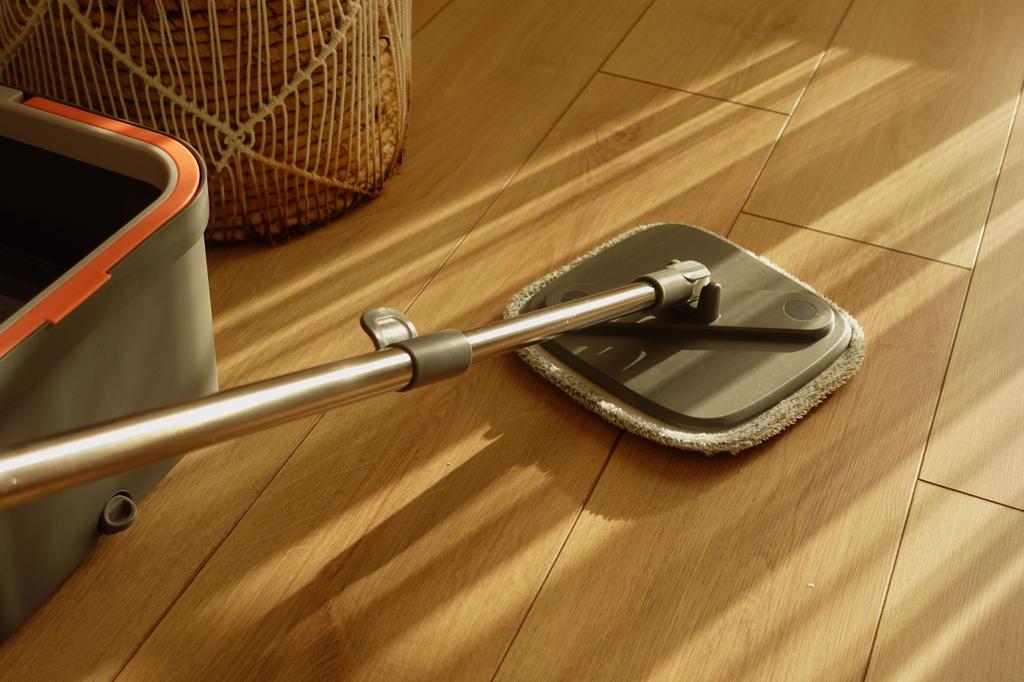
How to Clean Hardwood Floors: Simple Steps for Long-Lasting Shine
Updates & tips
How Do I Contact Comcast About Email Problems?
If you're experiencing issues with your Comcast email and need to contact Comcast (Xfinity), there are several ways to reach their customer support team. Below is a guide on how to get help: 1. Comcast Xfinity Support Website Visit the Xfinity support website. Search for common email-related issues in the help section. You can try troubleshooting your problem by using their step-by-step guides. 2. Live Chat On the Xfinity support page, there's a live chat option available. Initiate a conversation with a support agent who can assist you with email problems. 3. Phone Support Call 1-800-XFINITY (1-800-934-6489) for customer support. Choose the option for technical support, and then select the prompt for email-related issues. 4. Social Media Support Reach out to @XfinitySupport on Twitter for assistance. You can also send a direct message through their official Facebook page. 5. Xfinity My Account App Download and use the Xfinity My Account app on your mobile device. The app allows you to access troubleshooting tools and contact support if necessary. 6. Visit an Xfinity Store If you'd prefer in-person help, you can visit a nearby Xfinity store. Use the store locator on their website to find the nearest one. With these options, Comcast provides multiple channels to addressComcast email problemsand other technical issues.
How Do I Reset Apple ID Password?
Resetting your Apple ID is a straightforward process. If you’ve forgotten your Apple ID password or need to reset it for security reasons, follow these steps: 1. Visit Apple’s Website: Go to the Apple ID account page. Click on "Forgot Apple ID or password?" 2. Enter Your Apple ID: Enter the email address associated with your Apple ID. If you don’t remember your Apple ID, you can click on "Look it up." 3. Verification: Apple will prompt you to verify your identity. You’ll either receive an email or be asked to answer security questions, depending on your account’s setup. If you have two-factor authentication enabled, a verification code will be sent to your trusted device. 4. Reset Your Password: Once verified, Apple will let you reset your password. Choose a strong password, making sure it’s different from previous passwords for security purposes. 5. Update Devices: Afterresetting your Apple ID password, sign back into your Apple account on all your devices (iPhone, iPad, Mac, etc.) using the new password. If you're unable to reset it via the website, you can also reset your Apple ID using the Settings app on an iOS device or System Preferences on a Mac. If problems persist, contact Apple Support for further assistance.
How Do I Speak to Rogers Customer Service?
To speak to Rogers customer service, you have a few options depending on your preference. Here’s a brief guide: 1. Phone Call: You can callRogers’ customer servicedirectly at 1-888-764-3771 for general inquiries. This line is available 24/7. If you have issues with wireless services, another number to use is 1-855-381-7834. 2. Live Chat: Visit the Rogers website and use the live chat feature to get instant assistance from a customer service representative. 3. Social Media: Reach out to Rogers on platforms like Twitter (@RogersHelps) or Facebook for a more informal way of communicating with their team. 4. Rogers App: The Rogers MyRogers app allows you to manage your account and contact customer service for technical or billing inquiries directly from your phone. 5. In-Person: Visit a Rogers store near you if you prefer face-to-face assistance. When contacting Rogers, be sure to have your account information ready, such as your account number or phone number, to speed up the process.