Prefer to talk to a pro?
Call today, and let us connect you with the perfect merchant!
Call today, and let us connect you with the perfect merchant!
About San Dimas, CA
San Dimas is located in Los Angeles County, California. It is in the San Gabriel Mountains. San Dimas has a population of around 35,000 people and covers almost 16 square miles. The average household income is about $63,000. Major attractions includes the Raging Waters theme park. The movies Bill and Ted's Excellent Adventure and the sequel were set in San Dimas. Most of the city attends the Bonita Unified School Disctrict. It is also home of the Life Pacific College. Famous people from San Dimas include Wayne Moses and Ian Johnson.
Best Businesses in San Dimas, CA





Prefer to talk to a pro?
Call today, and let us connect you with the perfect merchant!
Call today, and let us connect you with the perfect merchant!
Related articles
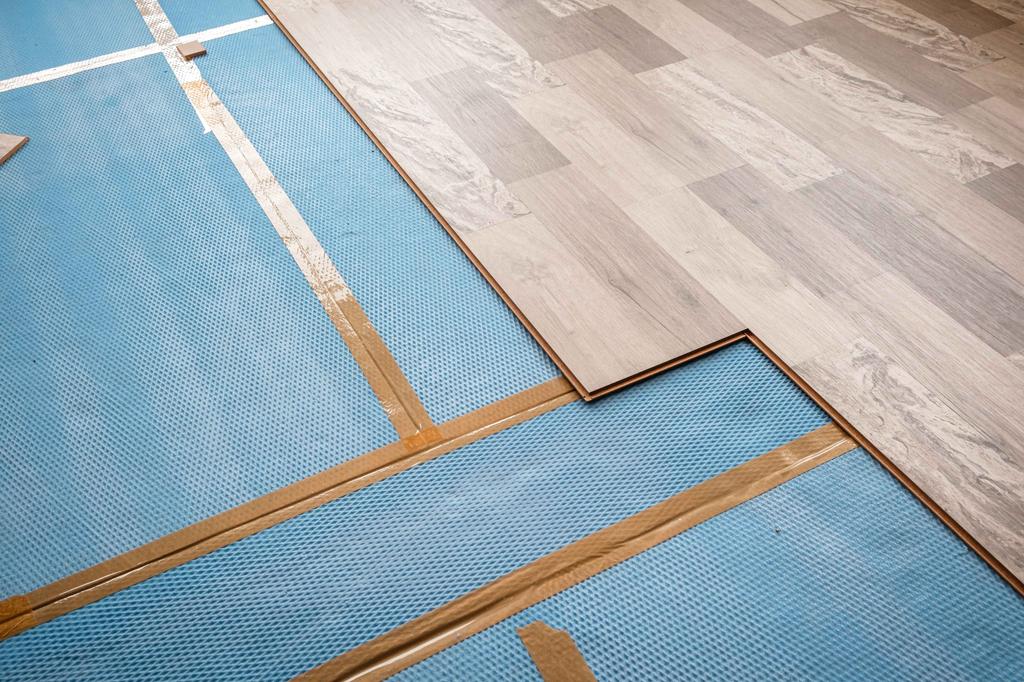
How to Fix Squeaky Floors: Easy DIY Solutions That Actually Work

Landscaping Gravel Types: Pros and Cons
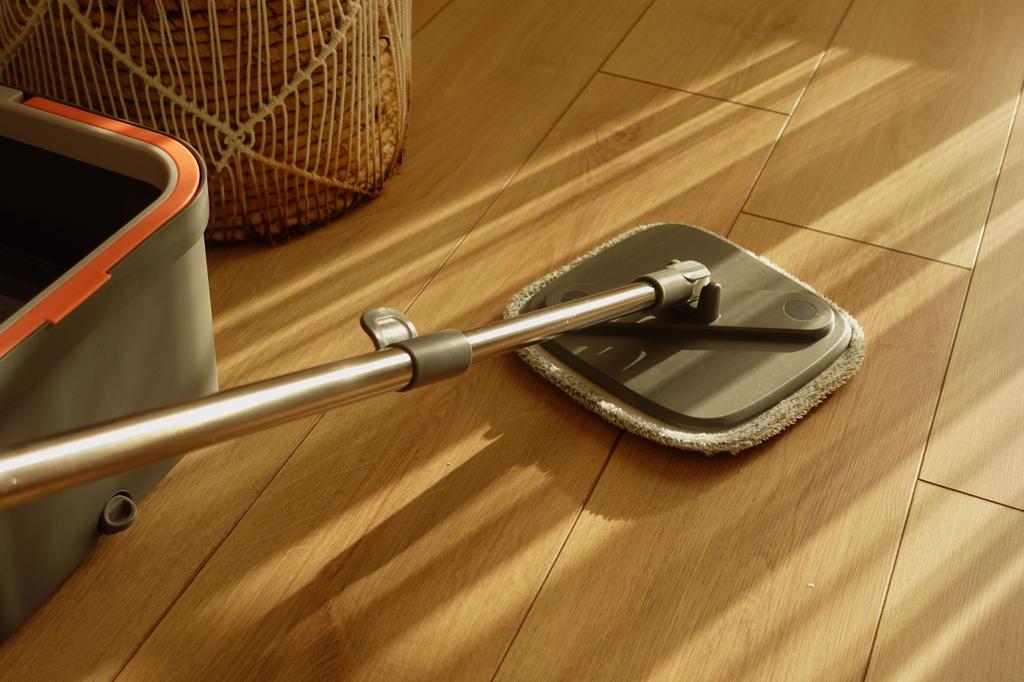
How to Clean Hardwood Floors: Simple Steps for Long-Lasting Shine
Updates & tips
How to Pair Cricut Machine via Bluetooth or USB? (Easy Tips)
Cricut machines are a must-have for DIY crafters, designers, and small business owners. Whether you’re working on vinyl decals, paper crafts, or fabric designs, pairing your Cricut machine correctly is the first step to getting started. I still remember the day my Cricut machine arrived as if it were yesterday. But within minutes, my excitement faded as I struggled to connect the machine to my laptop. I couldn’t figure out how to connect it to my laptop. But you don’t have to worry about that. Pairing your Cricut isn’t as complicated as it seems once you know what to do. In this blog, I’ll explain exactly how to pair Cricut machine with your Windows or Mac, whether you use Bluetooth or a USB cable. It’s a beginner-friendly guide designed to help you avoid the roadblocks I encountered. Let’s get your machine up and running so you can start creating! Step 1: Turn On Your Cricut Machine Before you start pairing, make sure your machine is powered on. Follow these steps: Plug in your machine: Make sure the power cable is connected to the machine and plugged into a power source. Turn on the machine: Press the power button (usually located on the side or top) to turn it on. A blinking light indicates readiness. Step 2: Connect via Bluetooth (Wireless Connection) You can connect your machine wirelessly via Bluetooth. Here’s how to do it: For Windows Users Follow the steps given below to learn how to pair Cricut machine via Bluetooth on Windows: Open Bluetooth settings: Click onthe Start menu, then select Settings, then Devices. After that, go to Bluetooth & other devices. Turn on Bluetooth: Ensure Bluetooth is turned on in your computer’s settings. Put your machine in pairing mode: Press and hold the Bluetooth button on the machine. The machine’s Bluetooth light will begin blinking, indicating that it’s ready to pair. Select your machine in Bluetooth settings: On your computer, under the “Bluetooth & other devices” settings, click on Add Bluetooth or another device. Choose Bluetooth, then select your machine from the list of available devices. Confirm the connection: Once paired, the Bluetooth light on your machine will stop blinking and become solid, indicating that it is connected to your computer. TIP: Cricut Explore and Maker models include Bluetooth functionality by default. Older models may require a separate Bluetooth adapter. For Mac Users Follow the stepwise guide listed below to learn how to pair Cricut machine via Bluetooth on a Mac: Open Bluetooth settings: Tap on the Apple menu > System Preferences > Bluetooth. Enable Bluetooth: Make sure Bluetooth is turned on in your Mac’s settings. Put your machine in pairing mode: Press and hold the Bluetooth button on your machine until the Bluetooth light blinks. Select your machine name: On your Mac, you should see your machine model in the list of available Bluetooth devices. Click on Pair to connect. Confirm the pairing: After pairing, the Bluetooth light on your machine will remain solid, confirming the connection. Step 3: Connect Using a USB Cable (Wired Connection) If you prefer a wired connection or your device doesn’t support Bluetooth, you can connect your crafting machine using a USB cable. Locate the USB port on your machine: The USB port is on the left side of the machine, where you can connect the USB cable. Plug in the USB cable: Now, connect one end of the USB cable to the machine and the other end to a USB port on your computer. Open Design Space: Launch the software on your computer, and the machine should be automatically recognized. If prompted, follow the on-screen prompt to complete the setup. Step 4: Setup Cricut Design Space on Your Device Now that your Cricut machine is paired with your device, you need to set up Design Space to start creating designs. Download Design Space: If you haven’t already, download and install Design Space on your computer or mobile device. Create or sign in to your account: Open the software and either sign in with your existing account or create a new account. Select your machine name: Once logged in, the software will automatically detect your machine. If not, go to Settings and select your machine from the list. Start designing: Once everything is set up, you can start creating your projects in Design Space and send them to the cutting machine for cutting. Troubleshooting Cricut Pairing Issues Sometimes, your machine may not pair correctly due to device settings or software glitches. Here are quick fixes. Turn off both the machine and your computer or phone. Turn them back on and retry the pairing steps. Remove any old Bluetooth devices that could be conflicting. Ensure both your device’s operating system and the Design Space software are updated to their latest versions. Clear the cache in the Cricut Design Space software. Reopen the software and attempt to pair again. Final Words Pairing your machine doesn’t have to be difficult. Whether you use Bluetooth or a USB cable, the steps above will help you connect quickly and efficiently. Just keep your software up to date, follow the correct steps, and stay patient! Once your Cricut machine is paired, the world of crafting will be at your fingertips! Frequently Asked Questions (FAQs)What to do if Design Space doesn’t recognize my Cricut machine? If Design Space isn’t recognizing your machine, make sure of the following key points: Ensure that the Bluetooth or USB connection is enabled and that the machine is discoverable. Restart both your computer and machine. Ensure your machine is within the recommended range of 15 feet from your device. Make sure Cricut Design Space and your machine’s firmware are up to date. If updates don’t resolve the issue, consider uninstalling and reinstalling Cricut Design Space. Do all Cricut Machines have Bluetooth? No, not all Cricut machines have Bluetooth connectivity out of the box. While newer models like the Cricut Joy, Joy Xtra, Maker, Maker 3, Explore Air 2, Explore 3, and Venture utilize Bluetooth, older models like the Explore One require a separate Bluetooth adapter to connect to devices. Note: Cricut Explore and Explore One require a Bluetooth adapter. Can I pair the same Cricut Machine with multiple devices? Yes, you can connect extra devices to one Cricut machine, but only one device can actively control the machine at a time. This prevents conflicts and ensures that the machine receives clear instructions. You can install Cricut Design Space on multiple devices and access the same account and projects. You can connect to the machine via USB or Bluetooth, and the software will guide you through selecting the desired machine for your project. SOURCE:How to Pair Cricut Machine via Bluetooth or USB
The Pros and Cons of Online Classes: What Students Need to Know
The rise of online classes has transformed the educational landscape, offering students and parents new ways to learn and teach. While online learning provides many opportunities, it also presents unique challenges. Understanding the pros and cons can help students and parents make informed decisions about their educational journey. Whether you're considering managing your own coursework or thinking about options likeonline class help for me, it's important to weigh both the advantages and drawbacks of online learning. Pros of Online ClassesFlexibility and Convenience One of the biggest advantages of online classes is the flexibility they offer. Students can access their lessons from anywhere with an internet connection, whether at home, on vacation, or even in a different time zone. This convenience allows students to learn at their own pace and schedule, making it easier to balance school with other activities. Some students might even consider the option totake my online class for mewhen juggling multiple responsibilities. Personalized Learning Online classes often provide opportunities for personalized learning. Students can revisit difficult topics, skip ahead in areas they excel, and use additional resources to deepen their understanding. This tailored approach can lead to a more effective learning experience, as students can focus on their unique needs. For those needing extra support, hiring anonline class takercould be a viable option to help manage their workload. Access to a Wide Range of Resources The internet is full of educational resources, from videos and articles to interactive simulations and quizzes. Online classes often incorporate these materials, giving students access to a vast library of information that can enhance their learning experience. This variety can help cater to different learning styles, whether visual, auditory, or kinesthetic. Development of Tech Skills As students navigate online platforms, they naturally develop important technological skills. These skills, such as digital communication, online research, and basic troubleshooting, are increasingly valuable in today̢۪s digital world and can give students a competitive edge in their future careers. For those finding it hard to keep up, some might choose topay for someone to take my online classesto ensure they stay on track. Cons of Online ClassesLack of Social Interaction One of the most significant drawbacks of online learning is the lack of face-to-face interaction with peers and teachers. This can lead to feelings of isolation and make it harder for students to form meaningful connections. For some, the absence of a traditional classroom environment may also reduce motivation and engagement. Self-Discipline and Time Management Challenges Online classes require a high level of self-discipline and time management. Without the structure of a physical classroom, some students may struggle to stay organized, meet deadlines, and manage their time effectively. This can be particularly challenging for younger students who may need more guidance and support. In such cases, seekingonline class help for mecan provide much-needed assistance. Technical Issues Technology can be both a blessing and a curse. Technical issues such as slow internet connections, software glitches, and hardware failures can disrupt learning and cause frustration. Not all students have access to the necessary technology at home, which can create a digital divide and hinder their ability to participate fully in online classes. Limited Hands-On Learning Certain subjects, particularly those that involve hands-on activities like science experiments or art projects, can be difficult to replicate in an online environment. This limitation can make it harder for students to grasp practical skills and may reduce the overall effectiveness of the learning experience in some subjects. Conclusion Online classes offer a mix of benefits and challenges. While they provide flexibility, personalized learning, and access to a wealth of resources, they also require strong self-discipline, reliable technology, and can sometimes lack the social interaction found in traditional classrooms. For those who find these challenges overwhelming, options like take my online class for me, hiring an online class taker, or even deciding to pay for someone to take my online classes are available to help manage the demands of online education. By weighing these pros and cons, students and parents can make informed decisions that best support their educational goals.
The Difference Between Residential & Commercial Fire Safety
Fire is one of the most devastating hazards that can affect any building, whether it is a home, an office, a factory, or a store. Fire can cause severe damage to property, equipment, and inventory and risk people's lives inside and outside the building. Therefore, it is essential to have proper fire safety measures in place to prevent and control fire outbreaks. However, fire safety is not a one-size-fits-all solution. Different buildings have different fire risks and require relevant fire protection systems and strategies. Let's explore the difference between residential and commercial fire safety and howprofessional fire protection servicescan help you achieve optimal fire safety for your building. What is Professional Fire Protection? Professional fire protection is designing, installing, maintaining, and inspecting fire protection systems and equipment in a building. Professional fire protection services are provided by licensed and certified experts who have the knowledge and experience to handle any fire hazard scenario. Professional fire protection includes: Fire Risk Assessment Fire System Design Fire System Installation Fire System Maintenance Fire System Inspection Residential Fire Safety Components Residential fire safety is focused on safeguarding homes. Specific components include: Smoke Alarms Smoke alarms are indispensable devices that detect the presence of smoke, sounding an alert to occupants in the event of a potential fire hazard. Proper placement within a residence, including installation on each level, inside bedrooms, and outside sleeping areas, is crucial. Carbon Monoxide Detectors To address the threat of carbon monoxide, detectors are employed. These devices are designed to sense the presence of this colorless, odorless gas, which can be produced by incomplete combustion of fuels. They should be near fuel-burning appliances and sources, with regular testing and replacement schedules. Fire Extinguishers Residential settings necessitate accessible fire extinguishers, particularly near potential fire sources such as kitchens or garages. Periodic checks and replacements are essential to ensure their operational readiness. Fire Escape Plan A comprehensive fire escape plan is an integral aspect of residential fire safety. It outlines evacuation procedures, which include identifying two escape routes for every room, designating meeting places outside the home, and ensuring access to emergency phone numbers. Regular practice with all household members is vital. Commercial Fire Safety Components Professional fire protection services for commercial buildings, including offices, factories, stores, and restaurants, demand distinct fire safety components: Fire Alarm System An advanced fire alarm system is vital in commercial settings, capable of detecting smoke and heat and initiating audible and visual alerts to notify occupants of potential fire incidents. These systems may also have the capability to alert local fire departments or emergency services automatically. Sprinkler System In commercial environments, a sprinkler system is an essential component. This system delivers water to the area affected by fire through a strong network of pipes and sprinklers. The sprinkler system is designed and installed in order to align with the building's specific requirements and hazards. Fire Extinguishing System Fire extinguishing systems are installed to protect sensitive equipment or areas that cannot be safeguarded with water-based systems. These systems dispense chemicals or gases through pipes and nozzles to suppress or extinguish fires. Fire Doors Fire-resistant doors are strategically placed to prevent the spread of fire and smoke within a building. These doors should remain closed or self-closing, free from obstructions, and marked with fire ratings and function. Emergency Lighting Emergency lighting is strategically installed along exit paths and at exit signs throughout the building to facilitate safe evacuation during power failures or fire emergencies. Emergency Exit Plan In a commercial setting, a robust emergency exit plan includes prominently displayed exit signs, maps, and instructions on each floor and within each room. It also encompasses procedures for accounting for all employees and customers, assisting individuals with disabilities, and contacting emergency services. Regular communication and training are primary. Benefits of Professional Fire Protection Services Professional fire protection offers various advantages for both residential and commercial settings: Risk Reduction These services are instrumental in identifying and mitigating potential fire hazards, ultimately minimizing the risk of fire incidents and their associated losses. Compliance with the latest fire codes and standards further bolsters risk reduction efforts. Cost & Time Savings Professional services enable cost savings by offering tailored, cost-effective fire protection solutions. Additionally, they help avoid fines and penalties for non-compliance, reduce insurance premiums, and enhance property value. Delegating the full spectrum of fire protection responsibilities, from design to maintenance to inspection, saves valuable time. Enhanced Reputation Reliable fire protection installation enhances the reputation and trustworthiness of residential and commercial entities. Businesses can prevent negative publicity, lawsuits, and sanctions for fire incidents by demonstrating a steadfast commitment to fire safety and responsibility. Conclusion Fire safety is an imperative aspect of building management, whether residential or commercial. While the principles of fire safety are universal, the specific strategies and components vary depending on the context. Professional fire protection services play a central role in ensuring optimal fire safety, addressing the unique needs of each setting. Whether you want to safeguard a residential or commercial building, our licensed and certified team is ready to provide comprehensive and customized fire protection solutions. With a wealth of experience, knowledge, equipment, and a sterling reputation, we are equipped to handle any fire hazard scenario. ContactTriniti Fire Life & Safety Solutionsfor a free consultation and quick quote.