Prefer to talk to a pro?
Call today, and let us connect you with the perfect merchant!
Call today, and let us connect you with the perfect merchant!
About Milford, VA
Milford is a quiet little town located in Caroline County within central Virginia. Within easy driving distance of both Washington, D.C. and Richmond, Virginia, you will plenty of things to keep you occupied here. You can choose to camp out at the R&D Family Campground before heading to Kings Dominion, the nearby amusement park or shop at Whispering Pines Nursery and Winding Brook Farm. Stick around for Milford Community Day, held annually on the third Saturday in September. This event boasts such things as an artwork auction, a yard sale and children's activities. For those who love horses, be sure to stop by Sunset Hideaway Farm before continuing your exploring. While visiting, be sure to stop by Heritage Mechanical and A&A Arsenal to see all the great things they have to offer.
Best Businesses in Milford, VA

Prefer to talk to a pro?
Call today, and let us connect you with the perfect merchant!
Call today, and let us connect you with the perfect merchant!
Related articles

How to Fix Squeaky Floors: Easy DIY Solutions That Actually Work

Landscaping Gravel Types: Pros and Cons
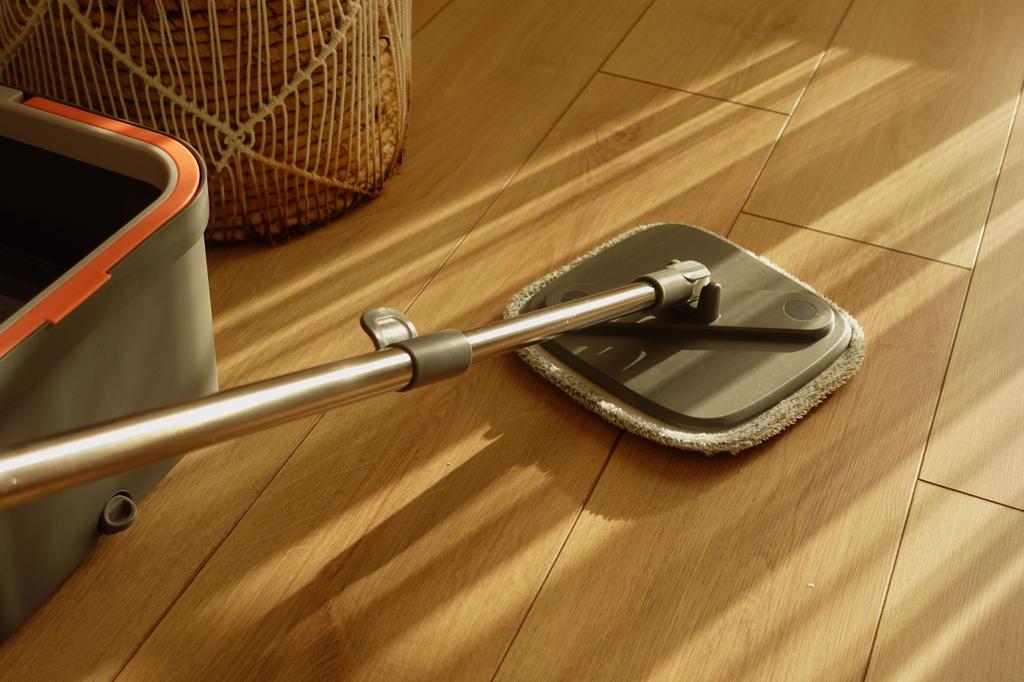
How to Clean Hardwood Floors: Simple Steps for Long-Lasting Shine
Updates & tips
HP Printer is offline it is urgently fixed
Are you having problems with your offline HP printer on Windows? This is a very common issue that many people encounter. This blog will explain how to fix the problem when your HP Printer is Offline. It is clear that printers are an essential part of modern workplace life. They are a trusted tool that we rely on, even though they can sometimes become problematic. When an HP printer is offline, users often complain. Users lose productivity when their HP printer is frequently offline, which can make the issue even more frustrating. "My HP Printer is offline" is one of the most common issues that you might encounter while using the printer. The printer’s connectivity issues usually display a solution to an offline HP printer. This information is displayed on most printers. Also, visit Printer Repair Dubai. Why is my HP printer offline An offline printer indicates that the device is not able to receive the printing command. This issue can become more complicated the longer you wait to fix it, and it may require multiple steps. There may be other reasons why your HP Printer is offline. Although these steps will usually resolve the problem, you may need to contact technical support professionals if necessary. Several reasons your printer might be offline include outdated drivers, incorrect connections between devices and power supplies, and incorrect printer settings. Before you start troubleshooting, it is important to identify the root cause of the problem. There could be multiple ways to solve it. You may be wondering how to switch your HP printer from offline to online. Here are the steps. How do I switch my HP printer mode to online There are many ways to solve the problem. The root cause will determine which strategy you should use. To resolve the issue of your HP printer not working, you can try each solution individually. Solution1-use HP print and scan doctor to link the offline.issue with your HP printer With the help of programs like HP Print or Scan doctor, it is easy to pinpoint the reason why your printer is not working. These programs can be used to repair the situation where an HP printer is showing it as offline. Start the software by opening the HPPSdr.exe from the location where it was downloaded. To accept the default file location presented, select “Yes.” After selecting the offline printer, click the “Start” button. Restart the device if the printer is not displayed on the screen. The program will identify any issues if your printer is not working. Follow the on-screen instructions, and then click “Yes” to confirm your changes. I hope this helps you find a solution. If not, move on to the next solution. Restarting the print service Sometimes,an offline problem with an HP printer can be solved by restarting the “print Spooler”. Printing is done by the print spooler. These instructions will help you restart the service. To bring up the Run tab, press Windows + R. After entering “services.msc”, click “OK.” Select “Print Spooler” in the open “Services” panel. Verify that the printer is still listed offline. Checking your VPN connection When the printer is connected via VPN, the HP Printer Offline problem usually occurs. Here are some steps you can take to fix the VPN connection problem. After unplugging the VPN, you can use your printer. You can use your printer as a VPN server simultaneously by connecting them with a USB cable. You can also change your VPN settings to fix the problem of your HP printer not connecting. Read about-printer repair dubai. Reinstalling printer drivers This is the best way to resolve the problem in Windows 10. This solution can be used by following the steps below Click it and then go to the Control Panel’s “Devices and Printers” area. Find your printer, then select “Remove Device” in the context menu. Click “Yes” when prompted. After uninstalling the device, download the latest driver for your printer at the printer manufacturer’s website. Before you download, ensure that the driver is compatible with your printer. Once the printer driver has been downloaded successfully, you can install it to start printing. Installation of a second printer If none of these methods work and your HP printer offline problem persists on Windows 10, you may want to add a second printer. These are the steps to follow in order to do this. Select “Devices and printers” from the Control Panel. Find your printer, then select “Remove Device” in the context menu. Click the “ports tab’s” “Add Port” button. Select “Standard IP Port” and then “New Port”. Click “Next” when the tab “Printer Port Wizard” appears. To enter all data into the tab, consult the instruction manual of your printer. After all information is entered, click “Next”, to add or link a second printer. You should resolve your HP printer offline issue immediately. If none of these solutions work for you, contact HP printer support. articles provides troubleshooting information for How to HP Offline printer repair dubai. Conclusion HP printers are vital tools in modern workplaces, and when they go offline, it can be frustrating. By following these troubleshooting steps, you can usually resolve the issue and get your printer back online. If these solutions don't work, professional support may be necessary. Address Adin Technologies LLC Office No. 401A Dolphin Business Centre Aspin Commercial Tower Sheikh Zayed Road Near Financial Center Metro Station